
A QR code menu lets guests scan a code on the table and see your menu on their phone. It started as a contactless option, but today the best restaurants and cafes use it for a different reason: it sells more and costs less to run than printed menus.
Why restaurants are switching to QR menus
- Change prices any time. No reprinting when the price of paneer goes up.
- Photos sell food. Guests order more confidently when they can see the dish.
- Mark items as sold out instantly, instead of disappointing guests after they order.
- Veg / non-veg and dietary filters help guests find what they want quickly.
- Upsell automatically — suggest a drink or dessert with every main course.
- Fewer waiting delays in busy hours when guests can browse before the waiter arrives.
Three types of QR menus
| Type | What it does | Good for |
|---|---|---|
| PDF menu | Scanning opens a photo or PDF of your printed menu | Quick start, but hard to read on phones and slow to update |
| Interactive menu | A mobile web page with categories, photos, search and filters | Most restaurants and cafes |
| Order from table | Guests add items to a cart and send the order to the kitchen or waiter | Busy cafes, food courts, QSRs |
What a good QR menu includes
- 1Categories that stay visible while scrolling (Starters, Mains, Breads, Drinks…).
- 2A photo, price and short description for your best-selling items.
- 3Veg / non-veg markers and a search box.
- 4Options like half/full, spice level and add-ons.
- 5A separate QR for each table, so orders arrive with the table number.
- 6Your restaurant's colours and logo — not a generic template.
- 7A link to leave a Google review after the meal.
How to set it up
- 1Collect your menu — item names, prices, categories and your best photos.
- 2Build the menu page on your own website domain, so it also helps your Google visibility.
- 3Print table QR stands with a clear line like "Scan for menu & order" and the table number.
- 4Train your staff to help guests who prefer a printed menu — always keep a few printed copies.
- 5Update it regularly — seasonal dishes, festival specials and sold-out items.
Try a live QR menu
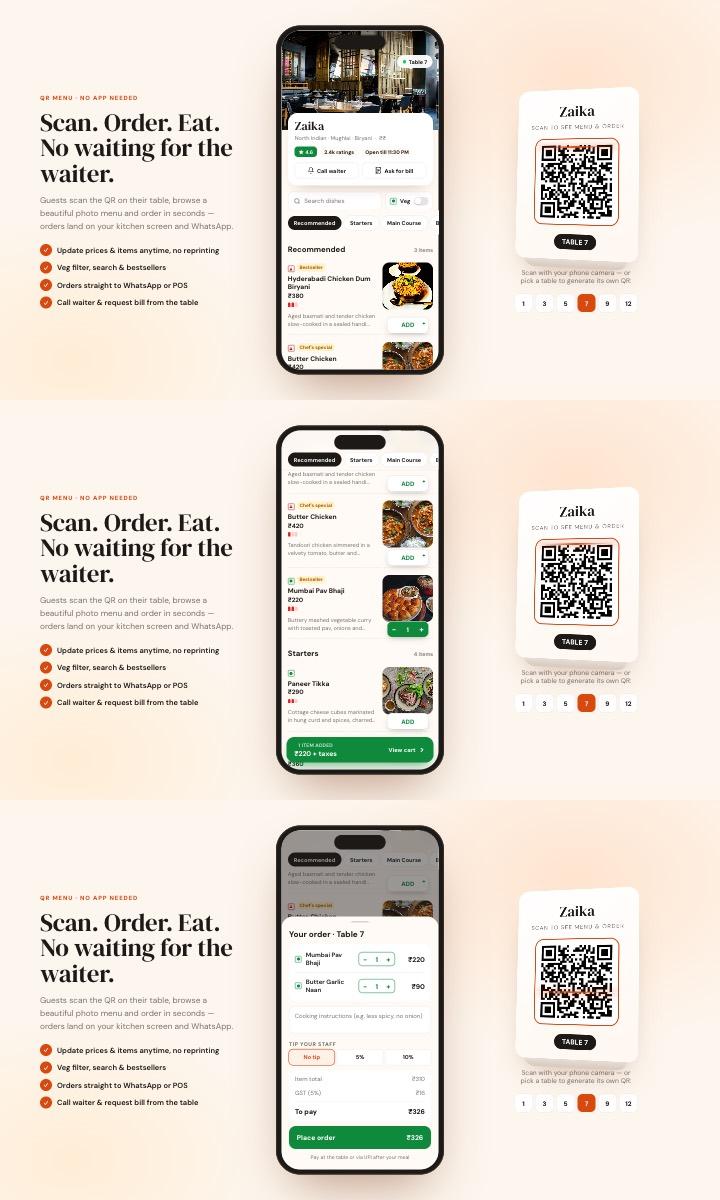
This is a working sample — scan-style menu, veg filter, cart, table QR codes and order tracking. We customise it with your dishes, prices and brand:
 Live demo
 QR Digital Menu
Food & HospitalityContactless scan-to-order menu — photo menu, veg filter, cart with GST bill, call-waiter button and live order tracking.
- Table-wise QR codes
- Cart & GST bill
- WhatsApp ordering
- Live order status
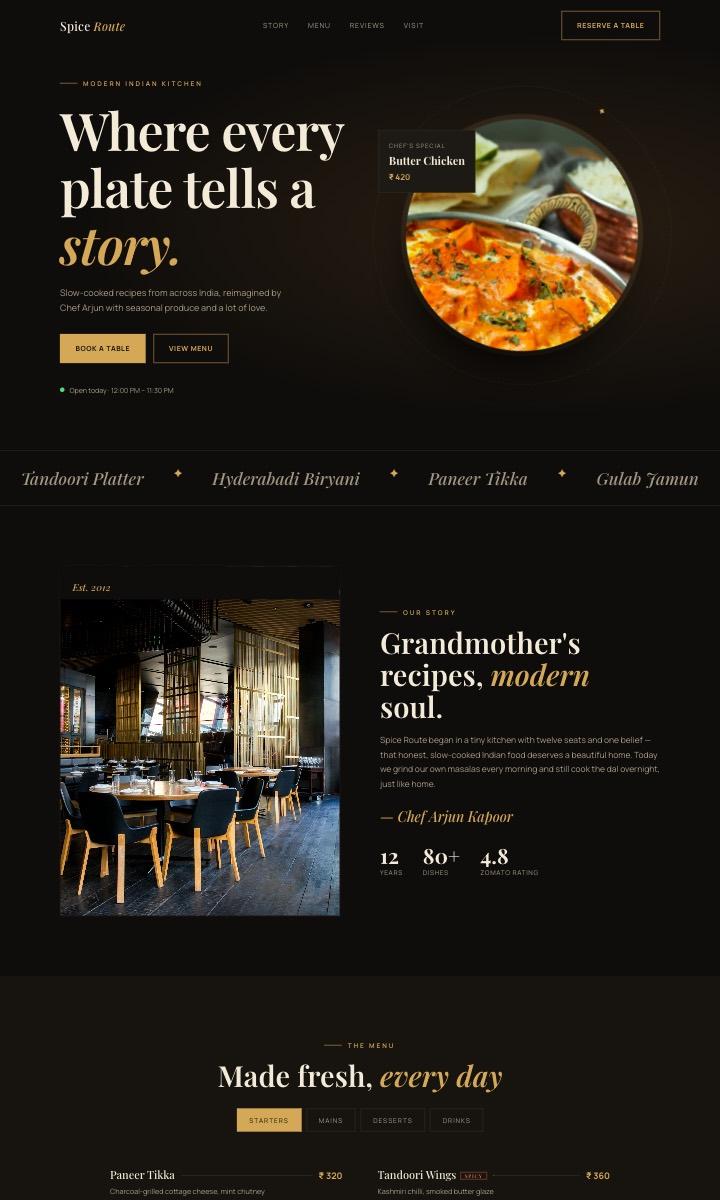 Live demo
 Restaurant & Cafe
Food & HospitalityElegant dark theme with an interactive menu and table reservations.
- Tabbed menu
- Table booking
- Signature dishes
- Reviews
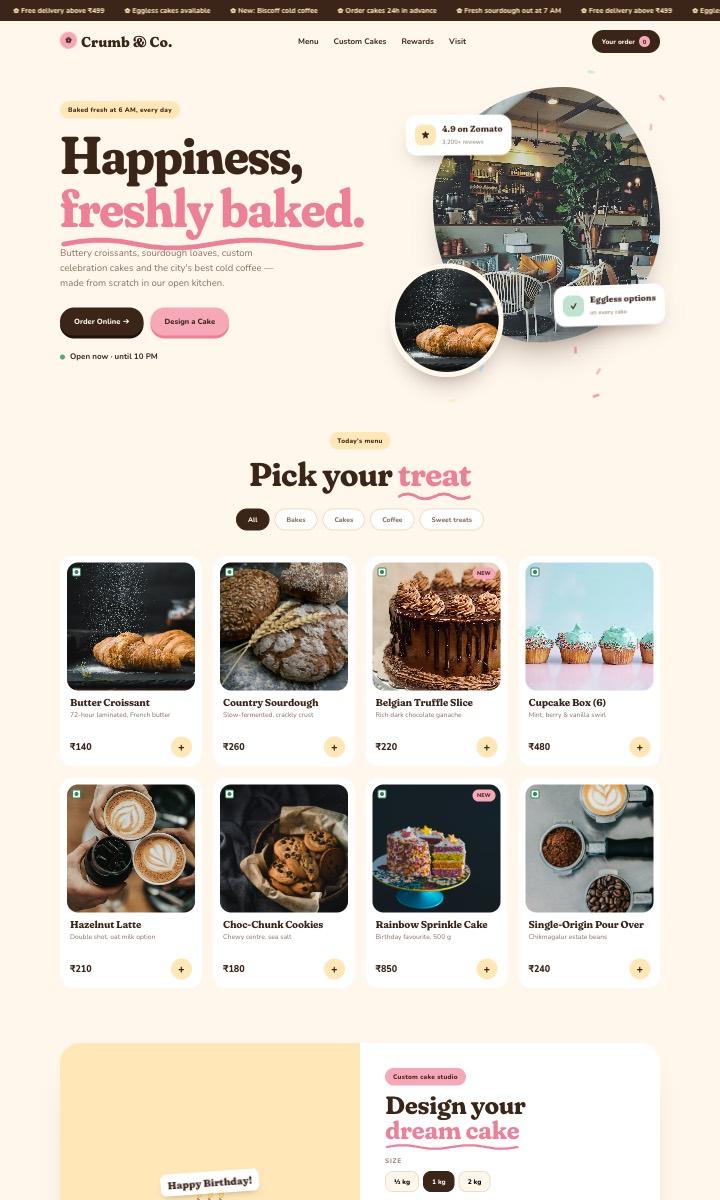 Live demo
 Cafe & Bakery
Food & HospitalityWarm, playful cafe site with online ordering, a custom cake builder and a loyalty card.
- Online order
- Cake builder
- Loyalty stamps
- Instagram grid
Make every meal count
Pair your QR menu with a Google review booster at the counter and a restaurant website that takes table bookings, and you have a complete system that brings guests in and keeps them coming back. See everything we build for restaurants and cafes.
Get a QR menu for your restaurant
Send us your menu on WhatsApp — we'll show you how it looks with your dishes and brand.
See Restaurant Solutions